
Build the scene. Order the render.
A seat for DIY designers, enthusiasts and 3D render companies.
Model a scene from the plans you have, order photoreal renders, and share a view-only link.
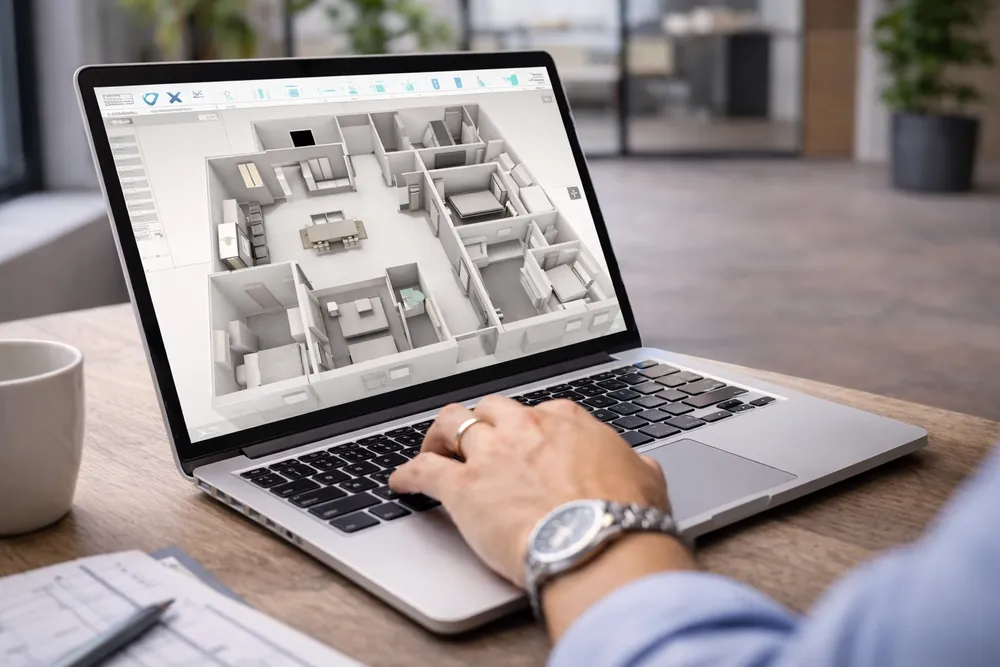
Made for renders, not a platform
A Renders Only seat gives you the full modeling toolset and the render service. It has no AI chat and no system connections, so you pay only for what you use.
- DIY designers planning their own space
- Enthusiasts who want photoreal results
- 3D render companies building scenes for clients
The full modeling toolset
A Renders Only seat is not a trial. Every core modeling, clean-up, layer and export tool is included from day one.
From sign-up to finished render
Three steps. Build the scene yourself, then order renders straight from the project you just created.
Set up your account
Create your CoreSpec account and workspace. You are ready to start modeling in a few minutes, with no procurement cycle and nothing to install on your network.
Build your scene
Bring in an existing floor plan and extrude it into a navigable 3D scene. Clean it up, structure it by layer, and drop in the annotations your team needs.
Order your render
Open the project you just built in the CoreSpec app and start a render order. Pick the floor, your angles and package, then check out. Finished renders come back ready to share.
Where a Renders Only seat stops
A Renders Only seat is for building scenes and ordering renders. AI chat on your scenes starts at Advanced. Connecting your systems starts at Pro.
You can upgrade at any time and keep everything you have built. Nothing needs rebuilding.
Explore AdvancedIncluded in a Renders Only seat
On other plans