Enterprise AI services

We put AI to work across your buildings and your team.

For owners and operators of one building or a whole portfolio. We connect your drawings, systems and people to AI that does real work, built on an as-built 3D twin of every property. Then we run it with you.
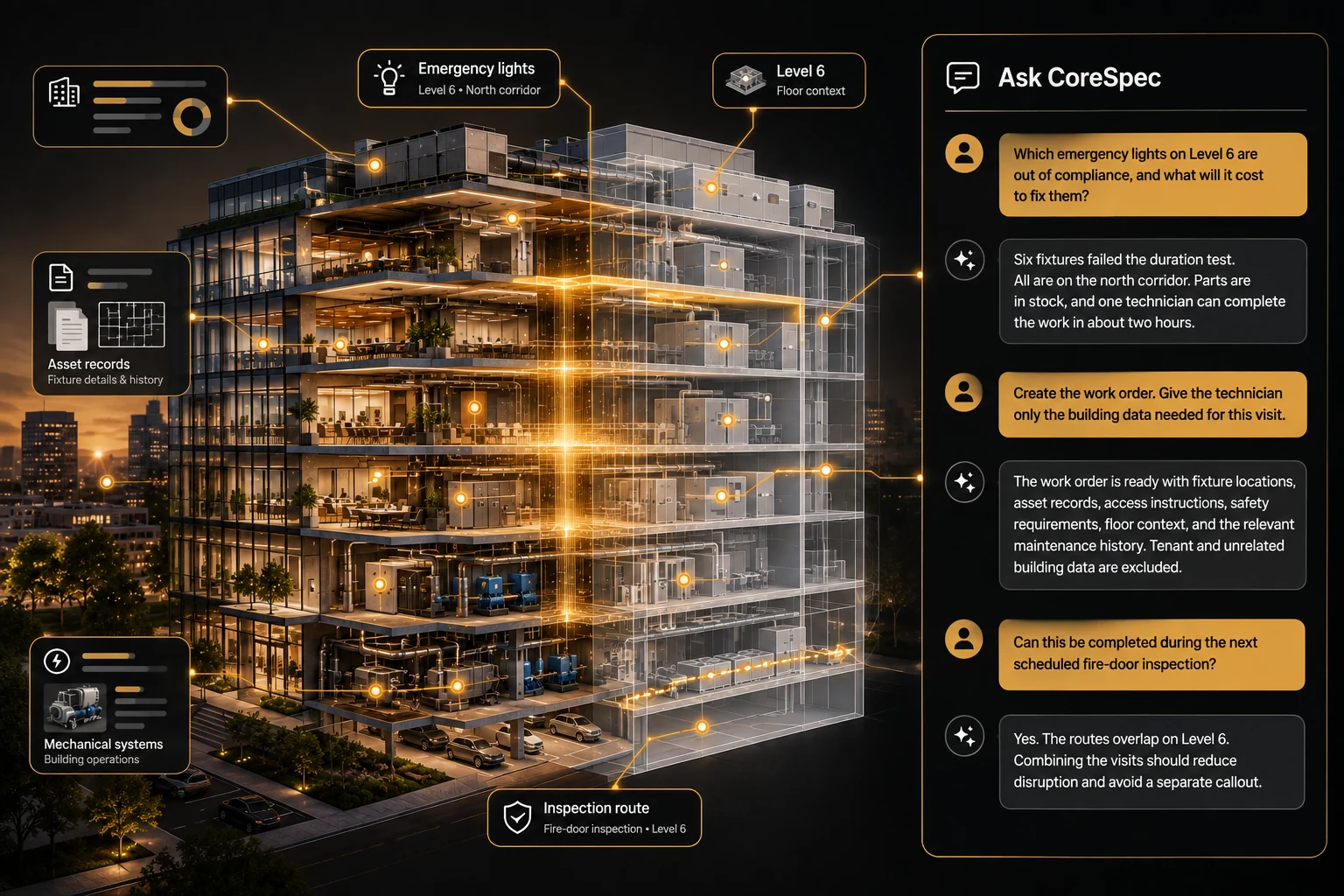
A commercial building as a live 3D twin, with assets highlighted and an Ask CoreSpec panel answering questions about it
Built on an as-built 3D twin
A person approves what matters
26 hrssaved each month in one commercial building†
5 h → 15 minone compliance task, automated†
3,400+floors modeled
5 + 3patents: five granted, three pending

What we do for you

Foundation first.
Then AI on top.

Most AI projects stall because the AI can’t see the building or reach the systems that run it. We fix the foundation first, then put AI on top of it.

The foundationSteps 1–3
  1. Two people reviewing building drawings together
    1

    Map how work really happens

    We sit with your teams and map the jobs, approvals, systems and documents behind each building, and where hours are lost today.

  2. A person scanning an office with a tablet
    2

    Build the as-built twin

    Your drawings and scans become an accurate 3D record of every floor: every asset, document and spec in one place that stays current.
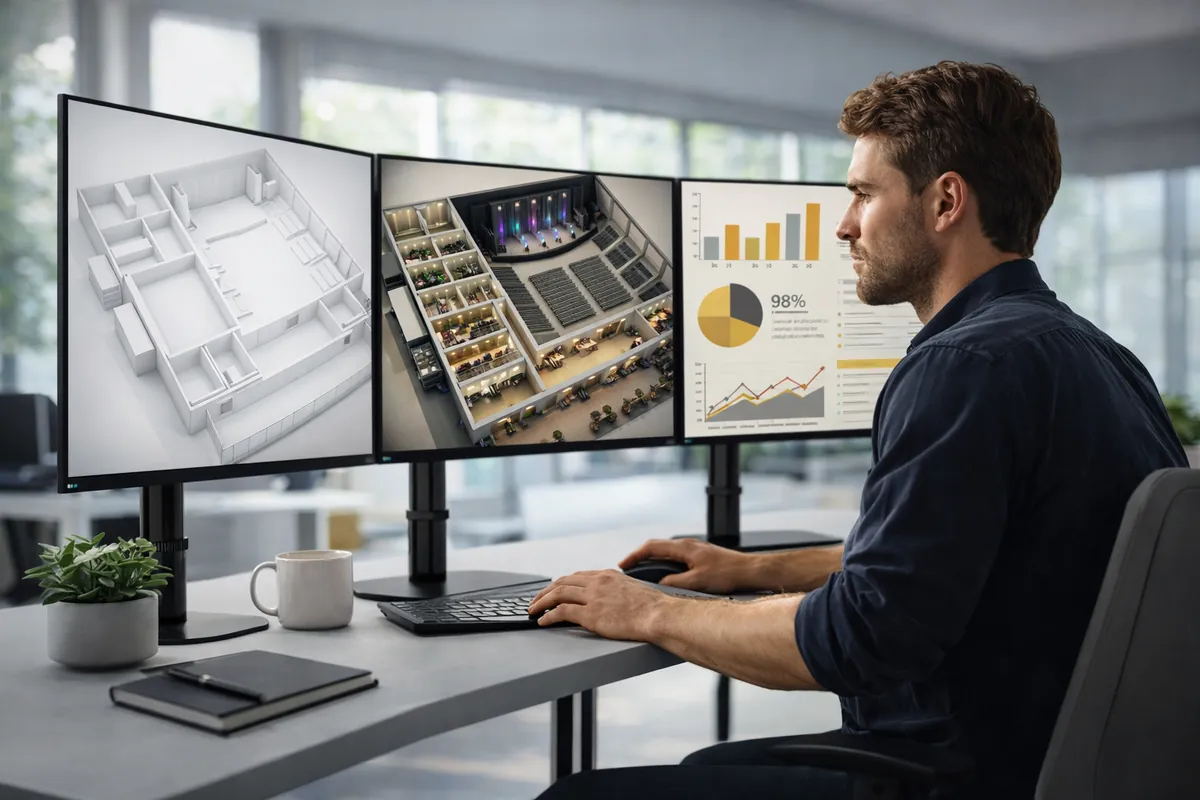
  3. Building systems data shown next to the 3D twin on several screens
    3

    Connect your systems

    Building automation, maintenance, security, access, leasing and document systems are wired into the twin, so data meets the space it belongs to.
AI on topSteps 4–6
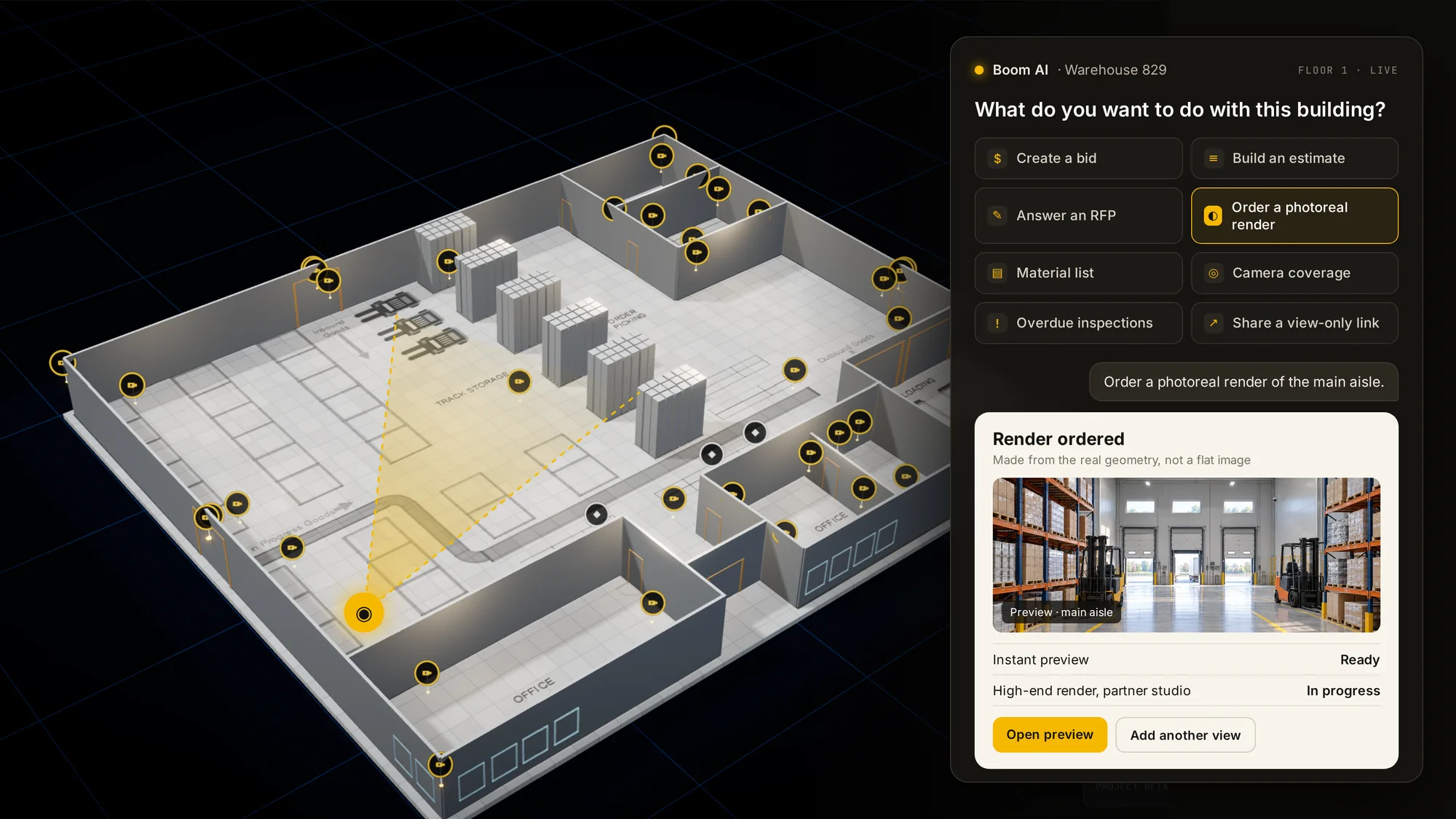
  1. CoreSpec agent panel working on a 3D floor plan
    4

    Put AI agents to work

    Agents triage work orders, prepare compliance, plan security coverage and answer questions about any building, with a person approving what matters.
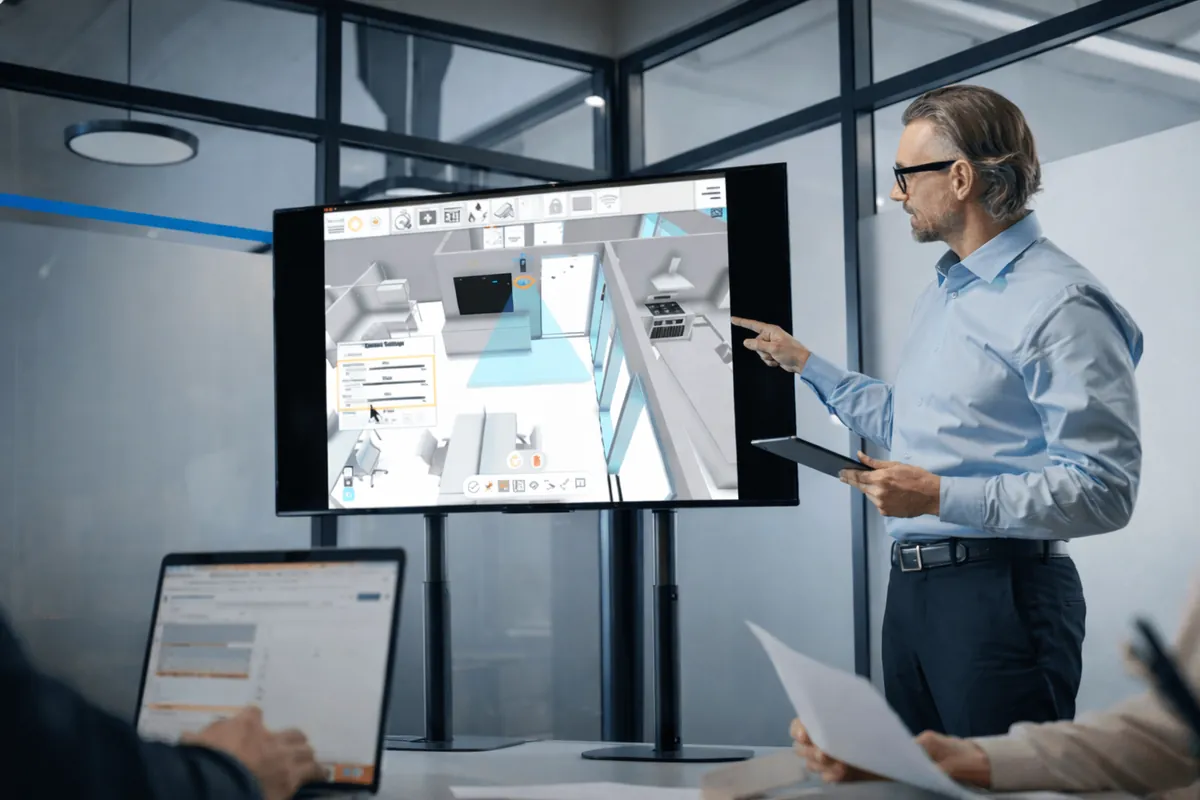
  2. A trainer walking a team through the 3D twin on a large screen
    5

    Train your people

    Hands-on training for each team, written playbooks and a clear owner for every workflow, so the work keeps going after we step back.

  3. A site lead and a manager reviewing the building on a tablet
    6

    Run it with you

    Ongoing service: new buildings onboarded, workflows tuned, changes controlled, and every AI action logged and reviewable.

Why it pays

Disconnected building data is expensive.

$15.8Ba year lost in the U.S. to disconnected building data1 68%of that is carried by owners and operators

Here’s where it comes back.

Productivity

40 min → 30 sec

to find any asset document†

  • Monthly FM report in 25 minutes, not 6 hours†
  • Techs sent straight to the right asset; idle waits cost U.S. owners $1.5B a year1
  • Warranty checked before paying for a repair: about $81K a year2

Compliance

5 h → 15 min

emergency lighting compliance, a real-world workflow we automate†

  • Fire door round from 9 hours to 2†; 75% of fire doors fail inspection3
  • Every certificate tied to its asset, expiries flagged†
  • UK golden thread change log, built in4

One view

1 view

instead of a dozen disconnected systems

  • Replaces up to 17 disconnected work tools5
  • Work orders, BMS, access and cameras on one floor plan
  • View-only link for contractors, tenants and responders†

Insurance

Up to 25%

premium swing from bad building data6

  • Insured values kept current; 46% of properties are underinsured7
  • Verified protection data has cut premiums 5 to 20%8
  • Dated pre-loss record for a faster, cleaner claim

Legal

Every change

named, dated and tied to a place

  • Every inspection and repair time-stamped and placed
  • Incident report in 20 minutes, not 3 hours†
  • A 3% area error moves about $72K in CAM9

Energy

10 to 30%

of building energy wasted by poor operations10

  • Re-tuning saved 13.4% across 80+ GSA buildings11
  • Full use of controls: up to 29% less energy12
  • BMS setpoints by zone, shown on the floor†
Sources

† Boom’s own live-workflow results.

  1. NIST GCR 04-867, Cost Analysis of Inadequate Interoperability
  2. Facility Executive, citing AIIM research
  3. GAI, FDIS fire door survey
  4. GOV.UK, the golden thread
  5. Eptura, 2025 Workplace Index
  6. USI, Review Property Underwriting Characteristics
  7. Insurance Times, citing Gallagher research
  8. USI, How a Changing Property Insurance Market Can Impact Coverage
  9. CapVeri, BOMA 2024 Implementation Guide
  10. PNNL, Building Re-Tuning
  11. PNNL, Re-tuning Buildings
  12. PNNL, Cut U.S. Commercial Building Energy Use 29%

How an engagement works

Start with one building.

One building and one team. Prove it, then roll it across the portfolio.

  1. 1Step 1

    Discovery

    A working session with your leads, then a written plan: which buildings, which workflows, which systems, and what success looks like.

  2. 2Step 2

    Pilot Prove it

    One property twinned and connected, one or two workflows live, measured against how the work was done before.

  3. 3Step 3

    Roll out

    More properties and teams on the same foundation, priced on the portfolio, not on seats.
  4. 4Step 4

    Run

    A service contract that keeps the twin current, the connections healthy and the agents improving.

How it’s priced

Yearly license per buildingAI credit included
One-time setup
Service contractKeeps automations running
AI use beyond the credit

Portfolios are priced on the portfolio, not on seats.

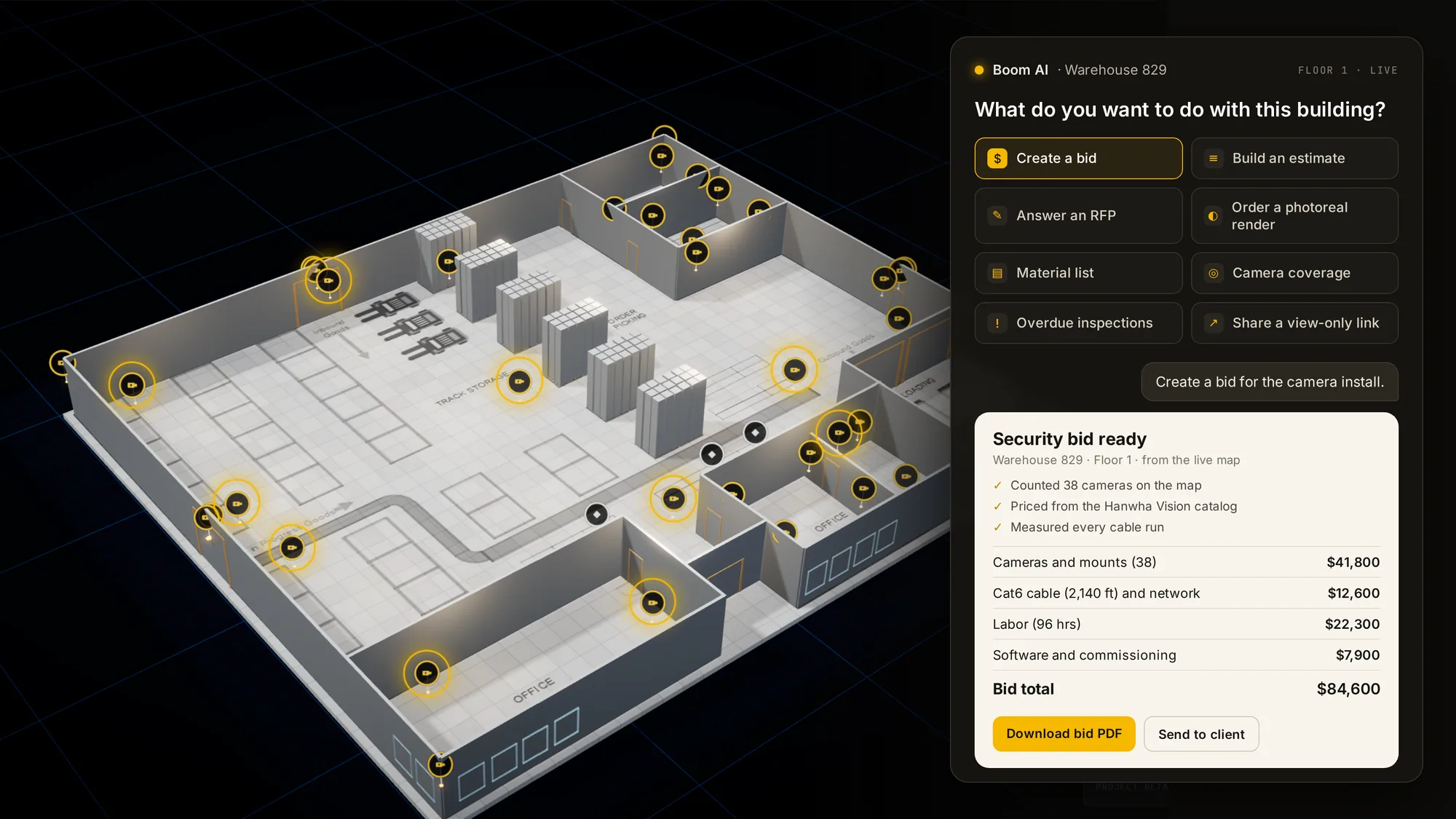
The CoreSpec 3D twin of a floor, with assets marked and an agent panel preparing a security bid
Agents propose. Your team approves.

Why CoreSpec

The central brain of a building.

CoreSpec 3D is the first smart 3D living digital twin. It’s the connective layer your AI agents and your systems can act on, and it’s our own patented technology.

The building, not a chatbot.

AI that answers from the real floors, assets and documents of each property.

Keep the systems you have.

We connect them. Nothing to rip out or replace.

People stay in charge.

Agents propose, your team approves, and every action is logged.

Patented.

Built on our own granted patents, seven years in the making. See patents

Bring AI into your portfolio.

Tell us about your buildings and the work that slows your teams down. We’ll come back with a plan for one building first.

Smaller company? Our parent company Boom sets up AI for teams of any size. See how Working on your own projects? See self-serve plans